BiteSMS Theme !!??!!

iJinrang

New Member
Hello everyone I have a question that iv been trying to get a answer about for sometime now..

Ok I am currently using the Style HD theme and I love the theme itself but I don't care for the bitesms theme that comes with it... So I am wondering if it is possible to only change the bitsms theme to another theme used by a completely different theme??

For example I want to change this:

e6esyru9.jpg


To this:
8e8e2epu.jpg


Any help will be greatly appreciated!!
 
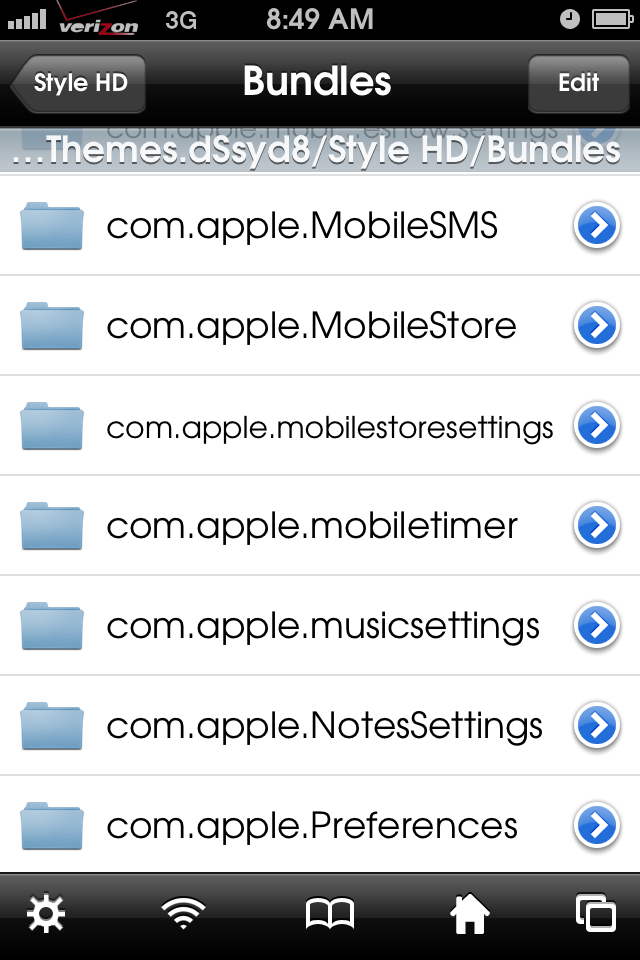
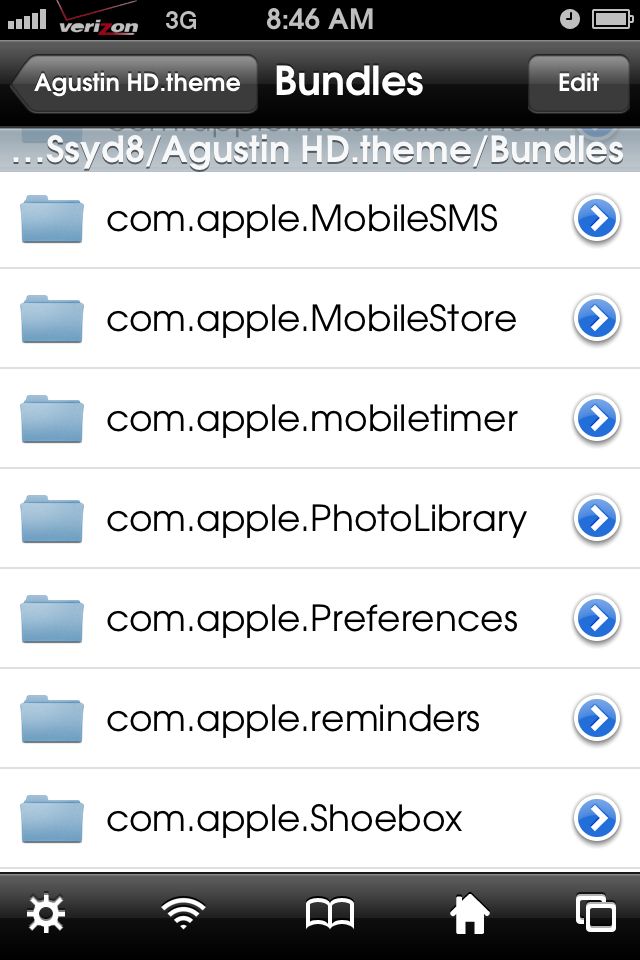
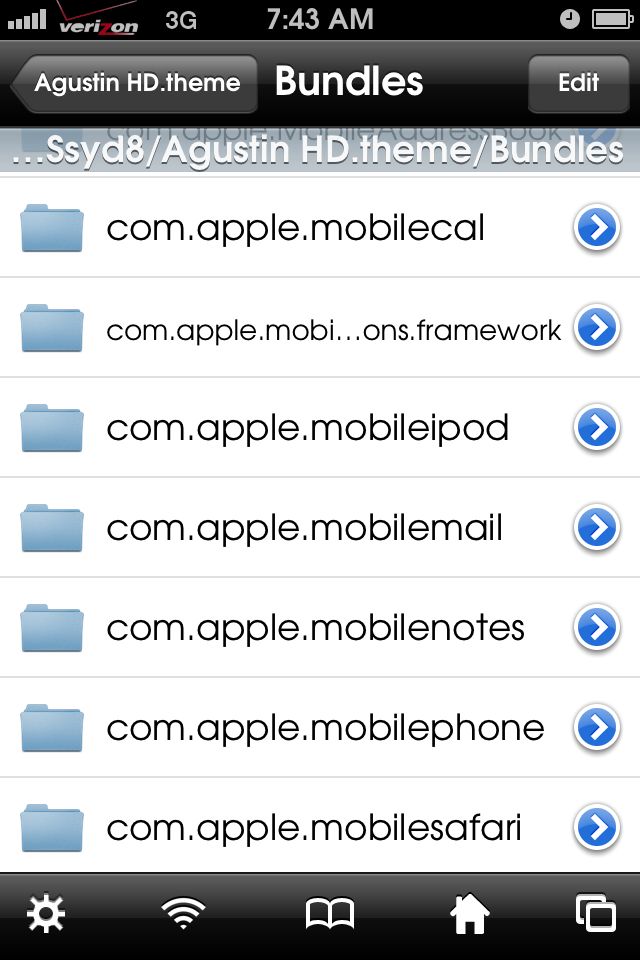
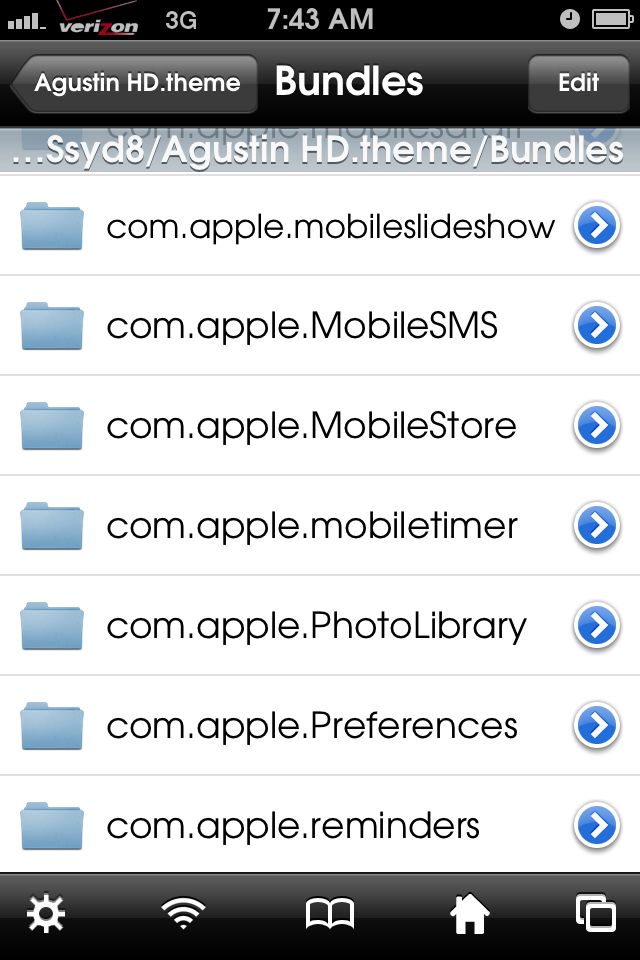
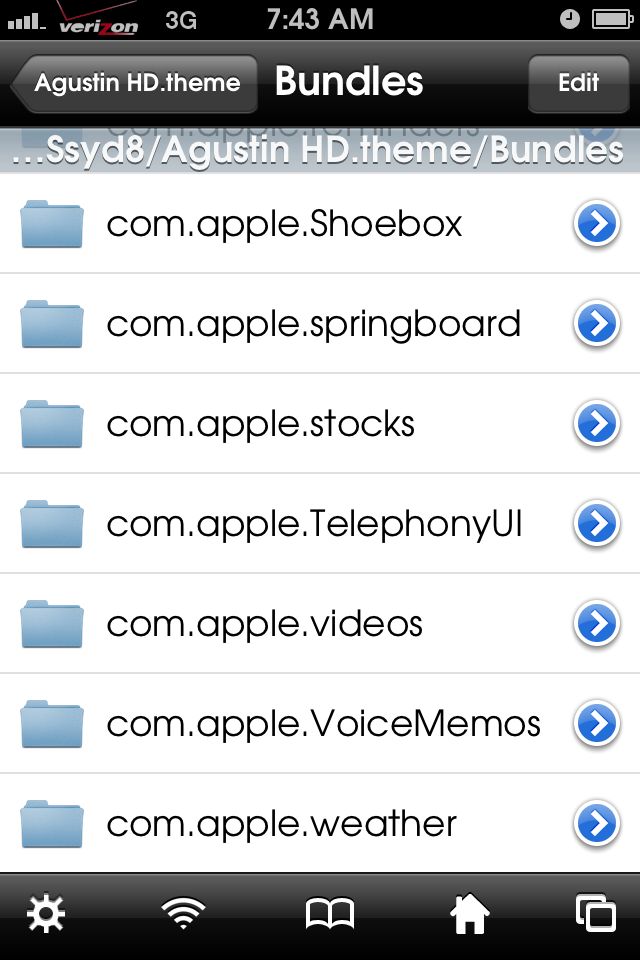
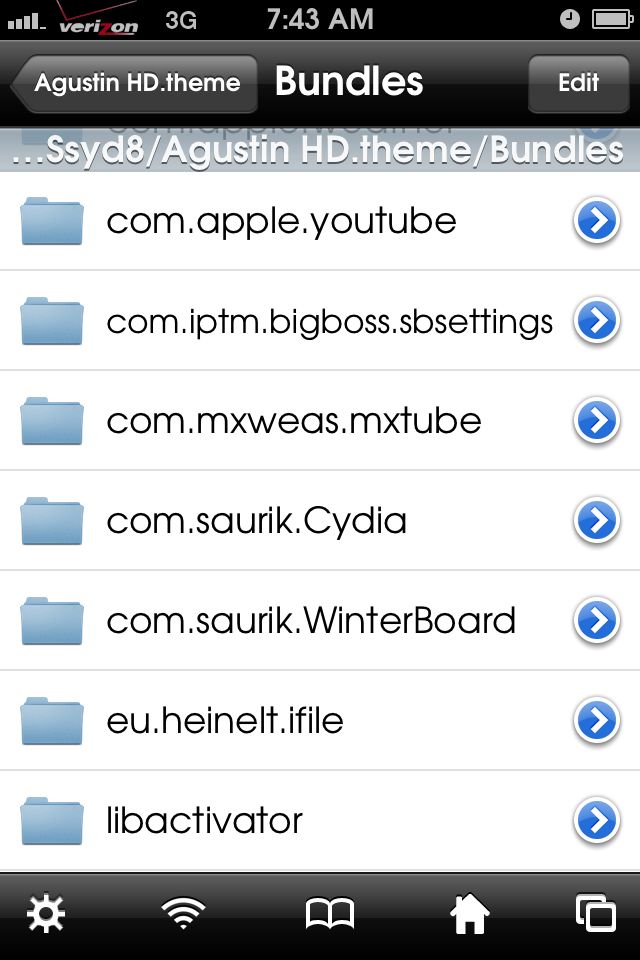
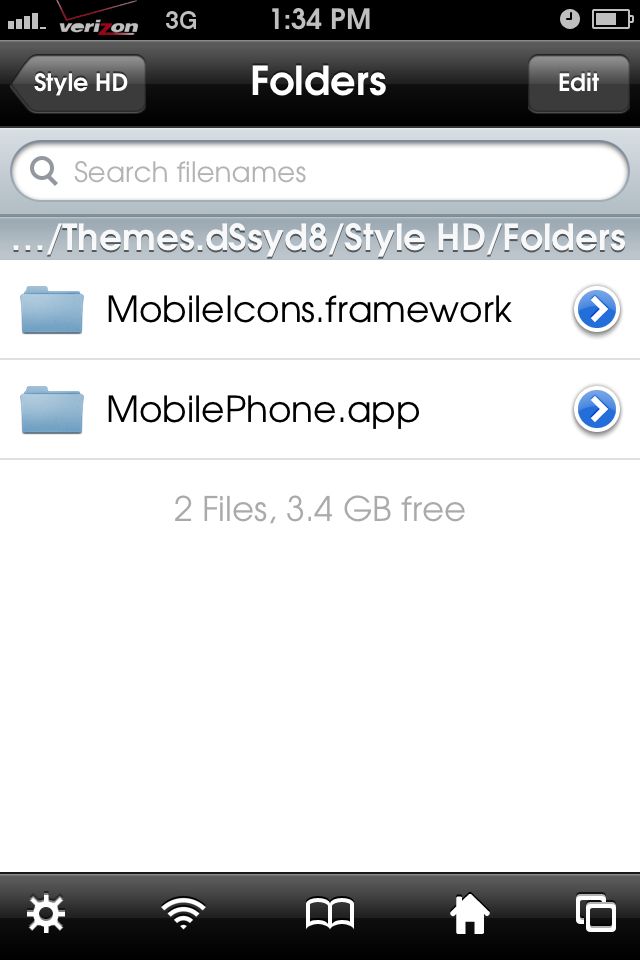
Yes you can. Go into ifile. var/stash/themes. Go into the themes file and look for the bundle or in the folders. Copy the theme you want and replace it in that folder. Respring
 
No. You have to find the BiteSMS folder and copy the theme file that you want to use and copy it to the theme that you are using in the BiteSMS folder.
 
The themes for biteSMS are located at /Library/biteThemes. That's where the theme you've got active should have the details for the biteSMS theme you don't want.

You can either delete (or rename) that theme in that folder in iFile. Or, you should be able to to go to the biteSMS settings and choose a different theme to use.

Hope that helps.

Marilyn
 
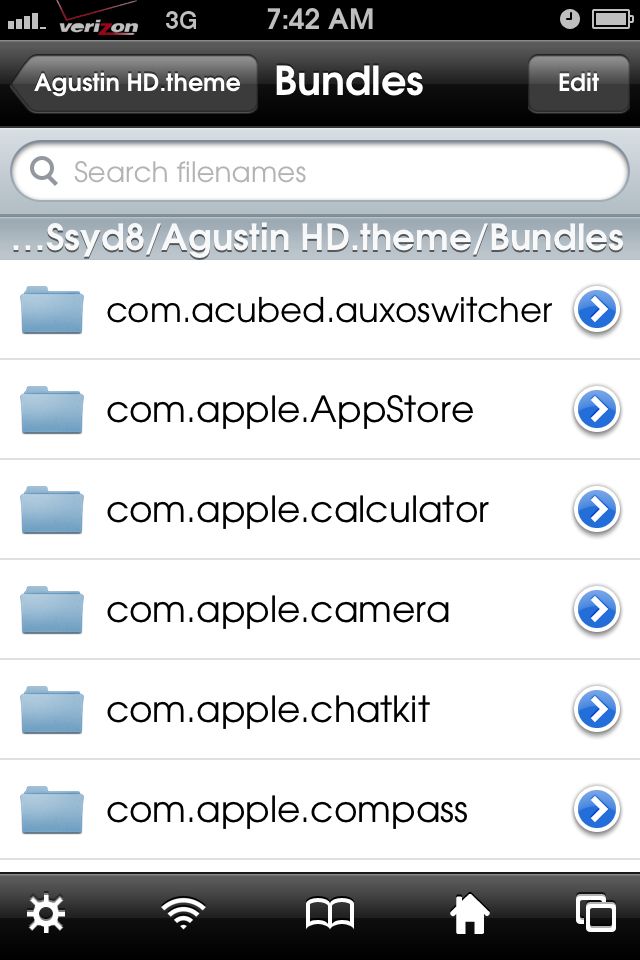
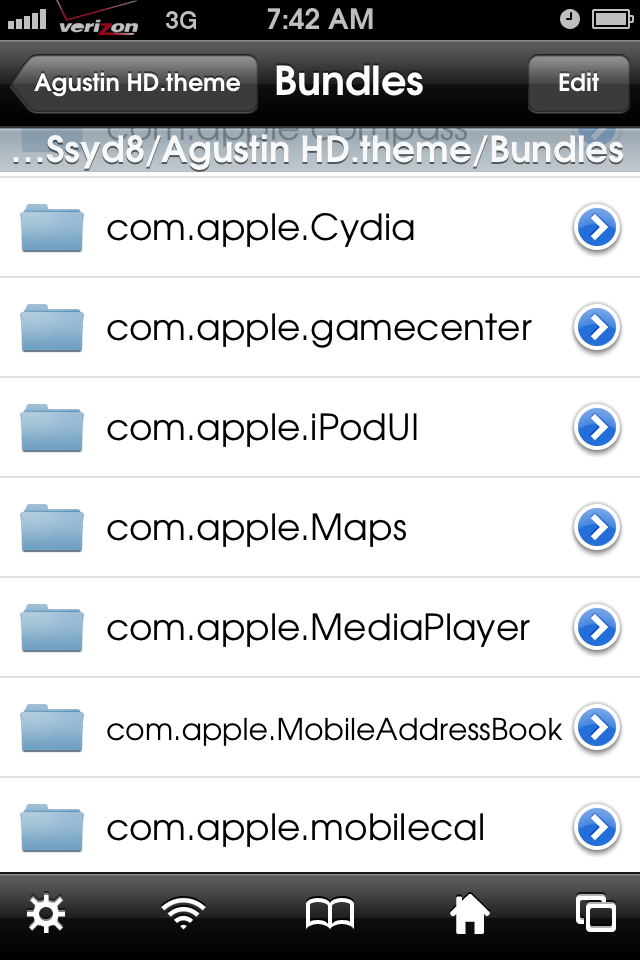
Are you sure the themes that you are using have BiteSMS? Or that might be just the Chatkit itself.

In bundles it's com.bitesms file.

Look into the Chatkit and open that file. Look at the images and if that matches what you are trying to do then replace those images with the one you want.
 
Are you sure the themes that you are using have BiteSMS? Or that might be just the Chatkit itself.

In bundles it's com.bitesms file.

Look into the Chatkit and open that file. Look at the images and if that matches what you are trying to do then replace those images with the one you want.

the only thing is the current theme i am running doesnt have a chatkit
 

Latest posts

Back
Top