M MrG New Member Thread Owner Joined Feb 9, 2020 Messages 1 Reaction score 0 Jul 30, 2020 #1 How and where can I delete this, it was done on one of my older I phones. Please assist.
J. A.57 Administrator Staff member Joined Oct 26, 2014 Messages 27,010 Reaction score 46,205 Location Austria Jul 30, 2020 #2 Welcome to iPhone Forums! Go to Settings - General - Keyboards - Text Replacement, tap the shortcut you’d like to remove, and swipe to the left to delete it.
Welcome to iPhone Forums! Go to Settings - General - Keyboards - Text Replacement, tap the shortcut you’d like to remove, and swipe to the left to delete it.
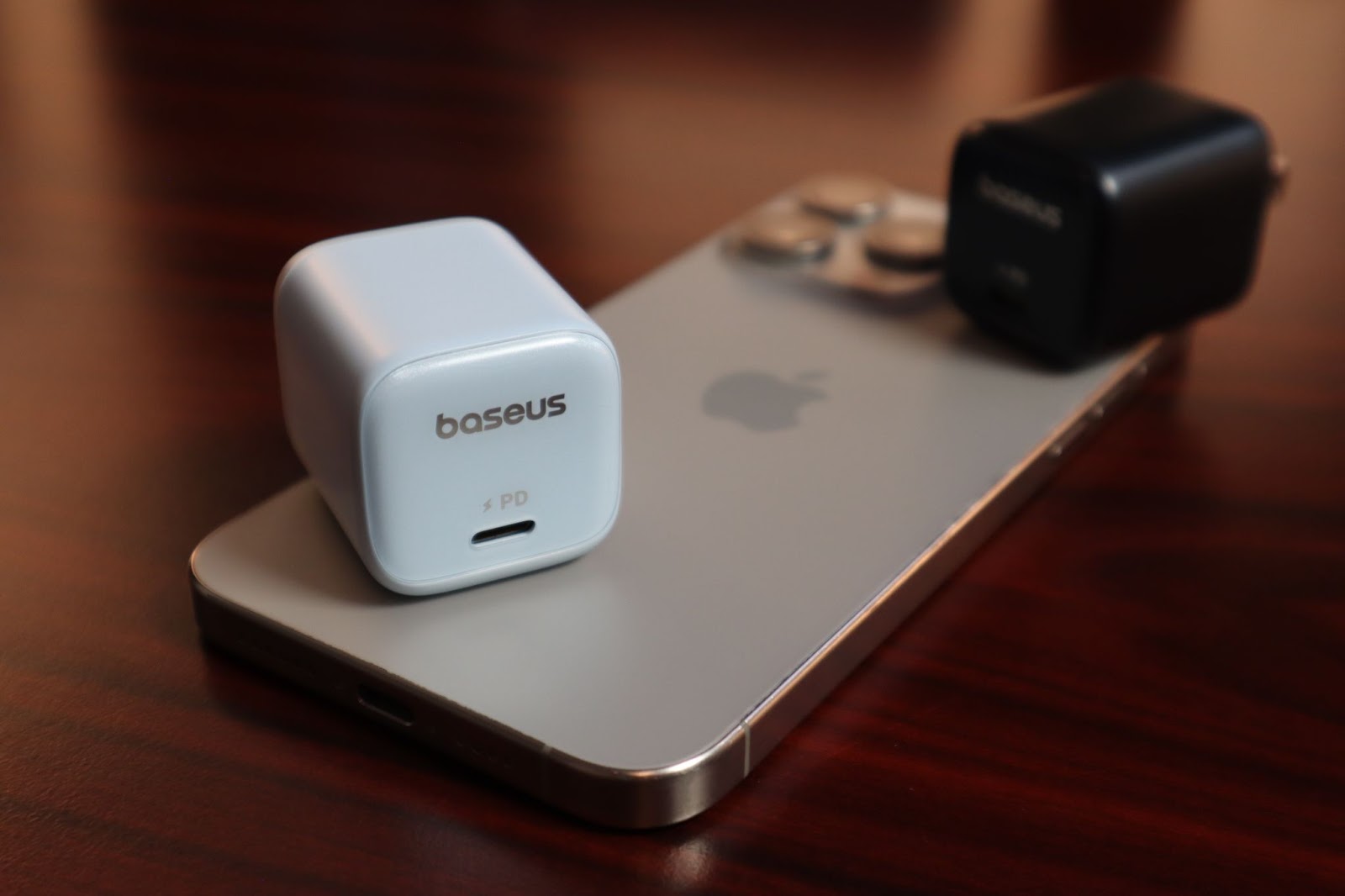
iPhone and Apple News The Perfect Blend of Power, Portability, and Style – Baseus PicoGo 45W Charger ThatTechyGuy 👍 2 Amazon